Asset Management Software Built for Maintenance Teams
Every asset has a story: what it is, where it is, what has been done to it, and what it costs to keep alive. MPACT CMMS by MPulse Software keeps that story in one record, for every piece of equipment, building, room, and vehicle you maintain.
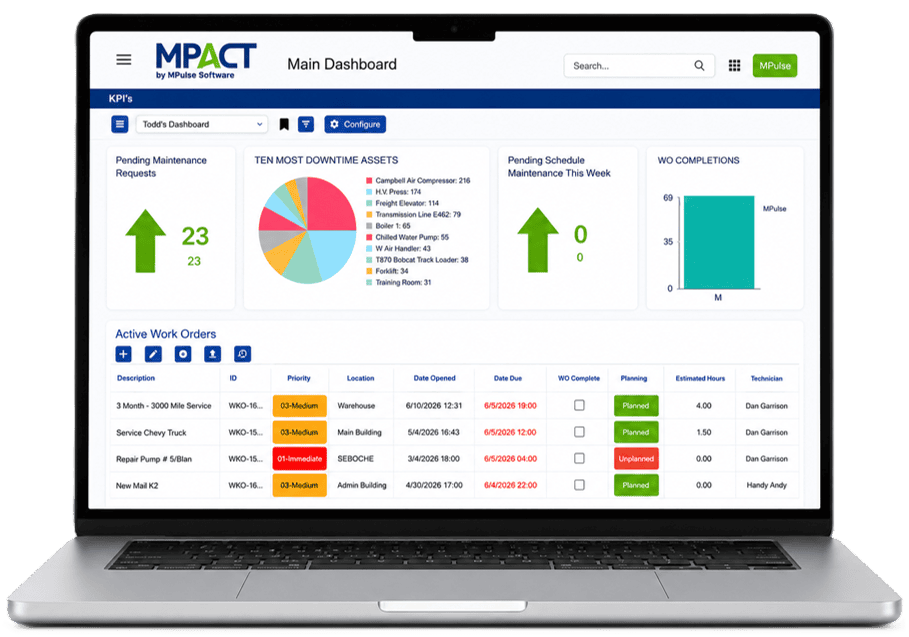
Asset management in a CMMS means maintaining a complete digital record for each maintainable item: identity, location, hierarchy, documents, meters, maintenance history, and costs. In MPACT, asset records connect to work orders, schedules, and parts, so the history builds itself as your team works.
Most operations have one person who knows which chiller is temperamental, where the manuals are, and what got replaced two summers ago. That works until they retire, transfer, or take a vacation. Asset records turn tribal knowledge into organizational knowledge: anyone who opens the record knows what the veteran knows.
Complete Records for Everything You Maintain
Unlimited asset records and locations
No caps on assets or locations, so the registry can match reality: every machine, every building, every site.
Hierarchies that match your operation
Organize assets by category (equipment, vehicles, buildings, rooms), by parent-child relationships, by system, and by location. Find the pump by the line it serves or the building it sits in.
Full maintenance history
Every work order, task, part, failure code, and labor hour lands on the asset record. When someone asks what has been done to this machine, the answer is a lookup.
Documents where they belong
Manuals, warranties, drawings, and photos attach directly to the asset, so the paperwork is one click from the equipment it describes.
QR tags that connect floor to record
Generate QR code tags from your asset records. A scan opens the asset or files a request against it, no searching and no typos.
Meters, criticality, and downtime
Track cumulative and conditional meters, assign criticality, and log downtime per asset. This is the data that turns PM intervals from guesses into decisions.
View assets at the enterprise level or drill into a location, department, or single record. Location-based permissions keep each site’s view clean while leadership sees the whole estate, which is how multi-site operations standardize without centralizing every decision.
Anything you maintain: equipment, vehicles, buildings, and rooms, each with its own record, history, and documents. There is no limit on asset records or locations.
Can I import my existing asset list?
Yes. MPACT supports data import and export, so existing registries move in rather than getting retyped. Implementation services can handle migration for larger datasets.
How does asset history get built?
Automatically. Completed work orders, parts usage, meter readings, and downtime entries all post to the asset record as your team works.
Can I organize assets across multiple sites?
Yes. Hierarchies and location structures span sites, and location-based permissions control who sees what. Enterprise drill-down moves from the whole operation to a single record.
Give Every Asset a Memory
Bring your worst-documented asset to the demo. We will show you what its record looks like after a month in MPACT.